Job Execution & Diagnostics
The Jobs module is the central command center for queueing scrape workflows, inspecting active worker threads, watching live download speeds, and troubleshooting failed tasks.
Submitting a Scrape Job
You can initiate a job from any creator's profile page or from the Jobs tab:
- Click Queue Scrape on a performer profile or click New Job in the Jobs view.
- Configure your scraping scope:
| Scope Option | Description |
|---|---|
| Timeline Posts | Scrapes all public and subscriber posts from the user's primary feed. |
| Archived Posts | Captures older posts archived by the creator. |
| Stories & Highlights | Gathers ephemeral stories and pinned story highlights. |
| Messages (DMs) | Extracts private chat histories and purchased pay-per-view (PPV) attachments. |
| Streams / VODs | Captures recorded livestreams and broadcast archives. |
- Execution Filters:
- Download Mode: Choose Download Media Immediately or Metadata Indexing Only (indexes posts into PostgreSQL without pulling raw media files).
- Date Filtering: Limit processing to posts published Since Last Scrape or specify a custom date window.
- Media Types: Filter by Photos, Videos, Audio, or Documents.
Live Telemetry & Job Statuses
The Jobs table provides real-time status updates powered by WebSocket event broadcasting:
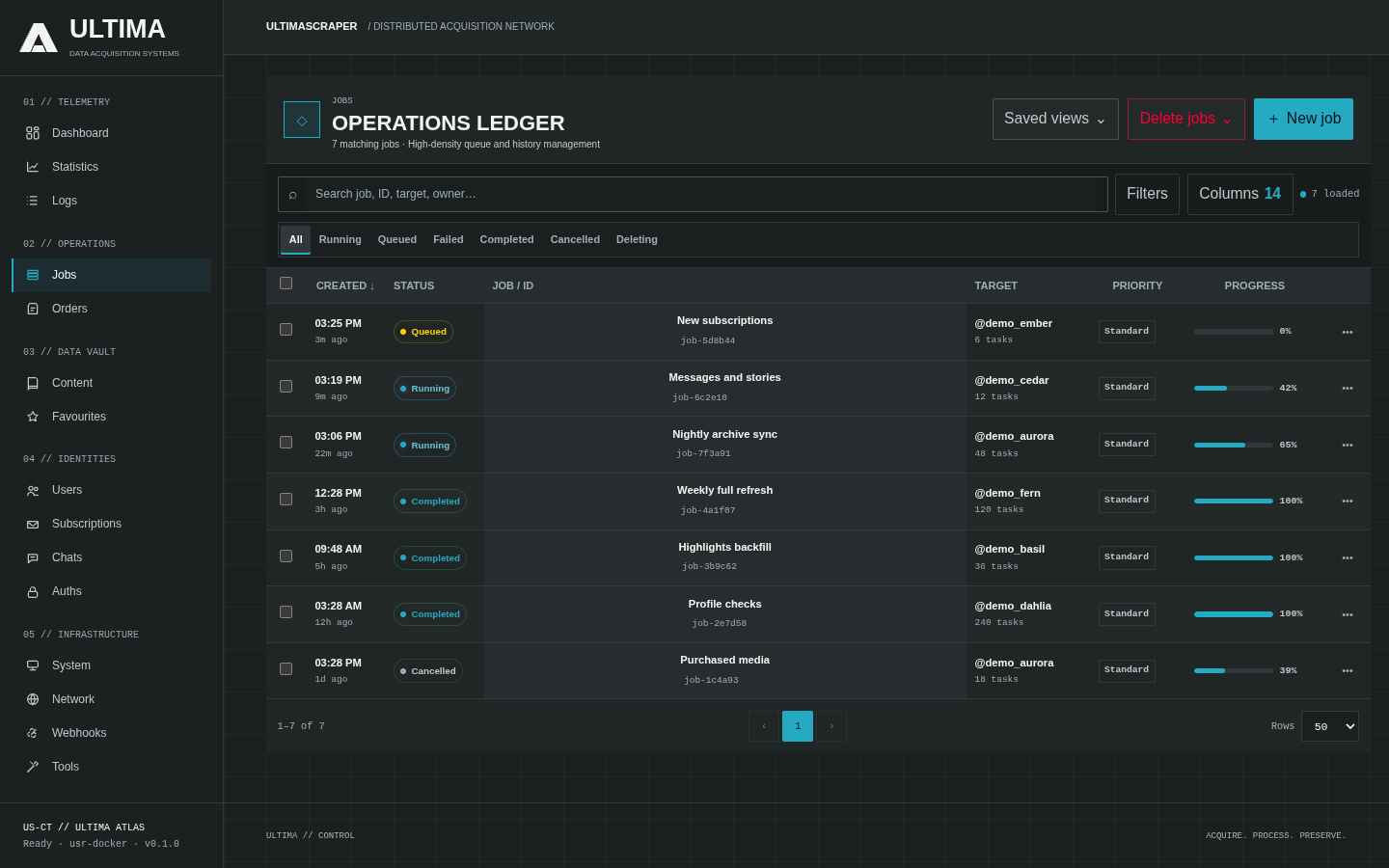
┌───────────────────────────────────────────────────────────────────────────────────────┐
│ ID   Performer      Status      Progress         Speed        Workers    Actions      │
├───────────────────────────────────────────────────────────────────────────────────────┤
│ #42  @alice         RUNNING     [██████░░░] 68%  48.2 MB/s    12 / 16    [View] [✕]   │
│ #41  @bob           COMPLETED   [█████████] 100% 0.0 MB/s      0 / 16    [View] [↻]   │
│ #40  @carol         FAILED      [████░░░░░] 44%  0.0 MB/s      0 / 16    [Inspect]    │
└───────────────────────────────────────────────────────────────────────────────────────┘
Job Lifecycle States
PENDING: Job recorded in the execution ledger; waiting for Redis task scheduling.RUNNING: Worker pool is actively pulling API data, streaming media, and pushing write receipts.COMPLETED: All content and media have been committed to PostgreSQL and disk.FAILED: One or more critical tasks failed (inspectable in the diagnostics report).CANCELLED: Gracefully terminated by the operator.
Job Diagnostics & Troubleshooting
Click Inspect on any completed or failed job to open the Job Diagnostics Modal:
- Diagnostics Summary: Displays total API requests made, cache hit rates, byte throughput, and average response latencies.
- Task Error Log: Lists specific post IDs or media download URLs that encountered HTTP 403, 404, or checksum verification failures.
- One-Click Retry: Click Retry Failed Tasks to re-queue only the unsuccessful items without repeating already completed tasks.
- Terminal Re-conciliation: If a worker node crashes mid-job, the supervisor automatically detects orphaned leases and transitions tasks back to the queue.